
You can consult/export statistics for a specific user or group from the Reporting tab.
Step 1 :
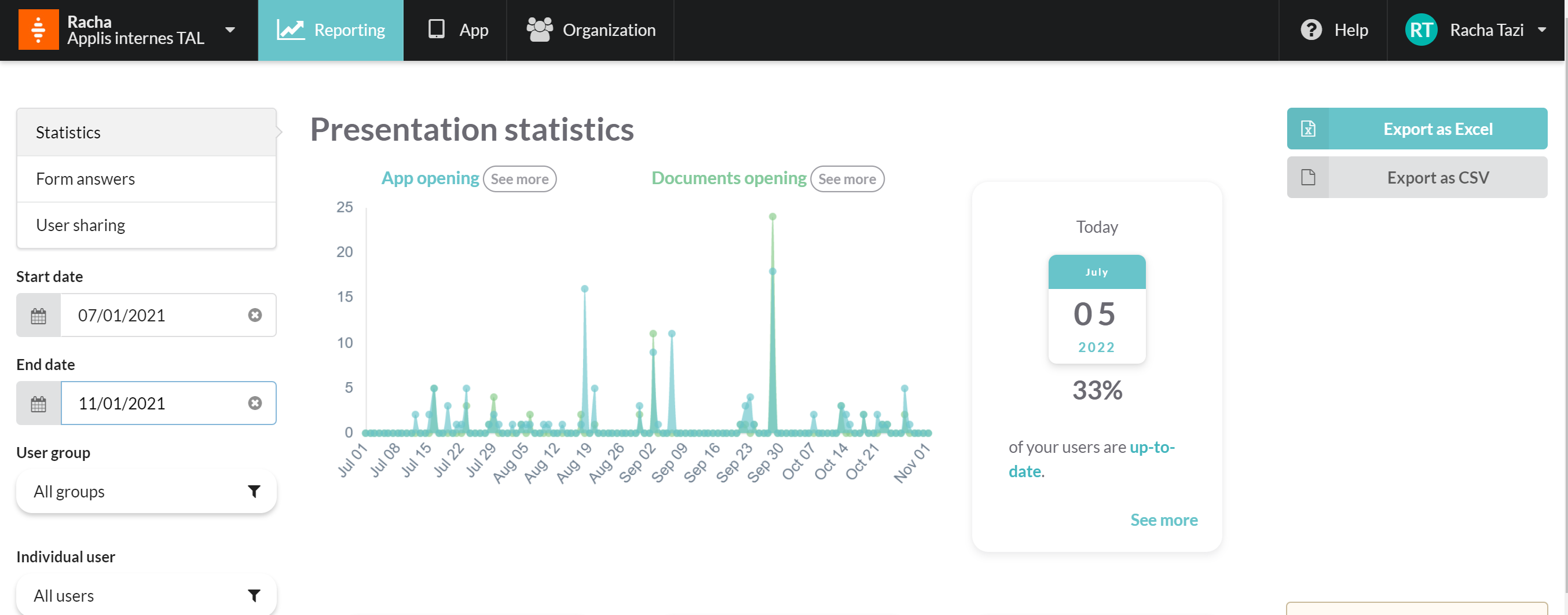
On the left column, select Specific user or group
Their statistics will be displayed on your screen:
Step 2 :
Click the Export as Excel or Export as CSV buttons on the right
column of your screen, and retrieve the needed data in text format.
Commentaires
0 commentaire
Vous devez vous connecter pour laisser un commentaire.