
Scenario 1: A global sender
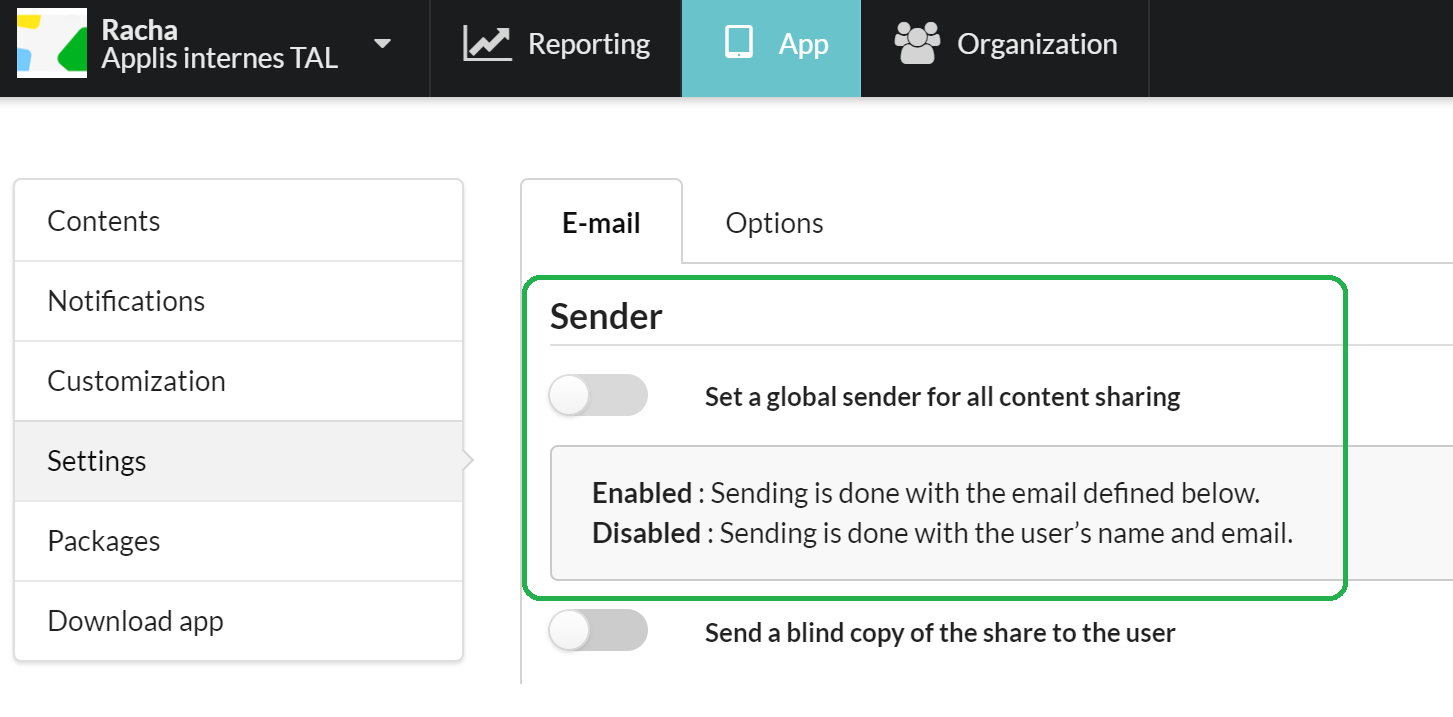
Activate Set a global sender for all sendings.
You will see two fields: Name of sender and E-mail of sender. Insert a generic name like your company’s name, and it will appear in the recipient's inbox. Insert a generic reply email in case the recipient chooses to reply to their email. It will be added to the configured inbox.
Scenario 2: A single sender
If you do not activate Set a global sender for all sendings, the documents sharing will be sent with the user’s name as the sender name. If your recipient does reply to, it will reply to the user’s email address, as configured on their file. This custom option is recommended.
Commentaires
0 commentaire
Vous devez vous connecter pour laisser un commentaire.