
The meeting follow-up interface allows your contacts to download documents sent via the ducument sharing. It is customized with your organisation colors and logo.
The link to access this interface is included in the email sent via the document sharing:
- In a button with the message "Access to your documents"
- At the end of the email, in case the button isn't correclty displayed.
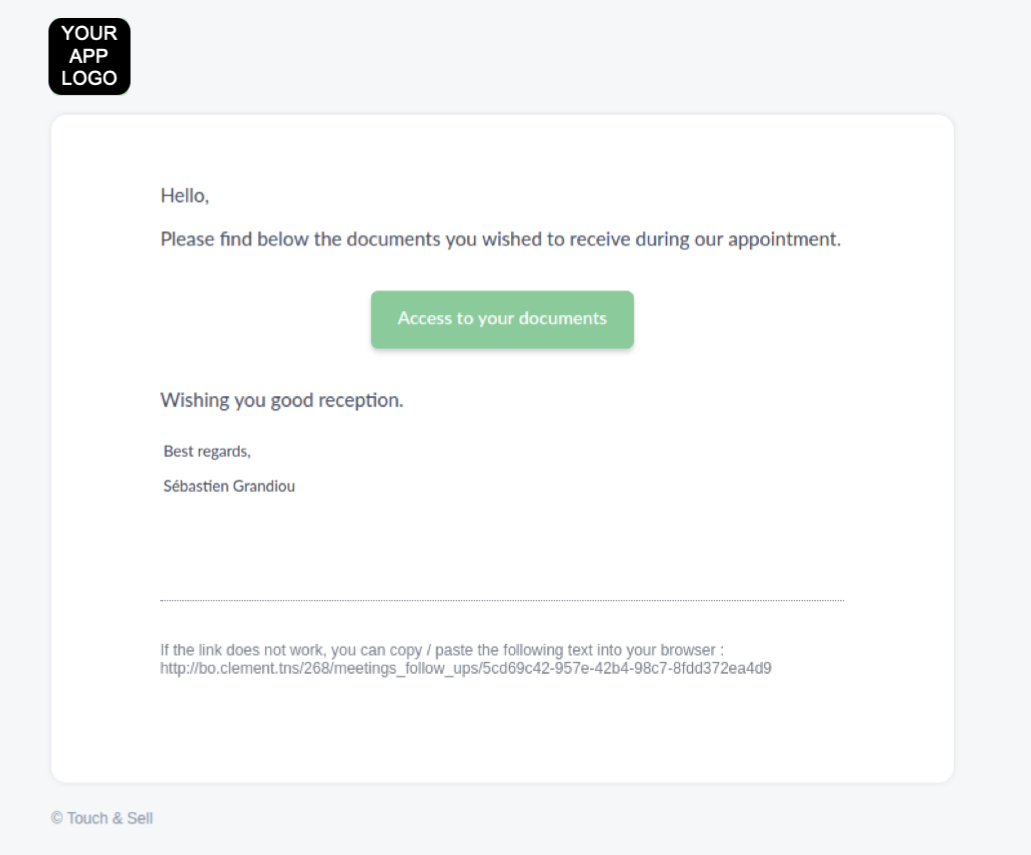
Please note that if the email is sent from an app set up in French, the button will be displayed in French as well: "Consultez vos documents".
To help you track the downloads, an email is sent to the user (the one who share the document) when a document is downloaded.
💡 Access more User sharing from your Studio > Reporting tab.
Commentaires
0 commentaire
Vous devez vous connecter pour laisser un commentaire.