
This article explain how integrate, in a seamless way, a video from YouTube to deliver a better experience to your users. We will see how to get the right url of your YouTube video.
The URL is structured in this way:
https://www.youtube.com/embed/Id-of-your-video
1/. On the video, click on "Share"
2/. in the next window, click on "Embed"
3/. Target the URL
As marked in this example:
4/. In the Studio
From T&S Studio > App Tab > Contents, click the "Add content" button on the right.
You'll find the option "New Web site Link":
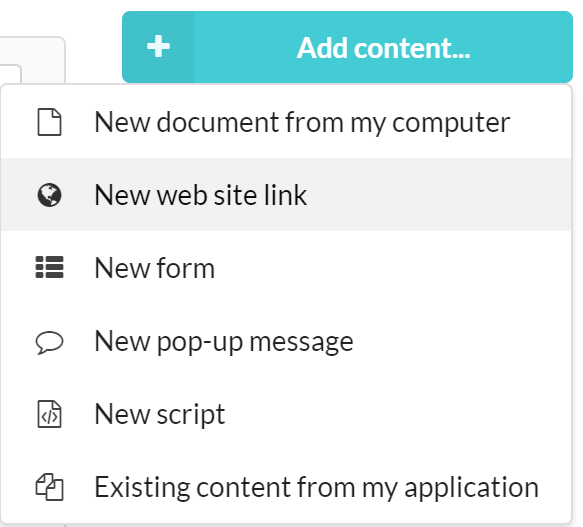
Paste your URL and publish, your video is ready to play in your app!
| ⚠️ Users of the app have to be online in order to use this feature. |
Commentaires
0 commentaire
Vous devez vous connecter pour laisser un commentaire.