
You'd like to prevent some documents from being sent by your App or email?
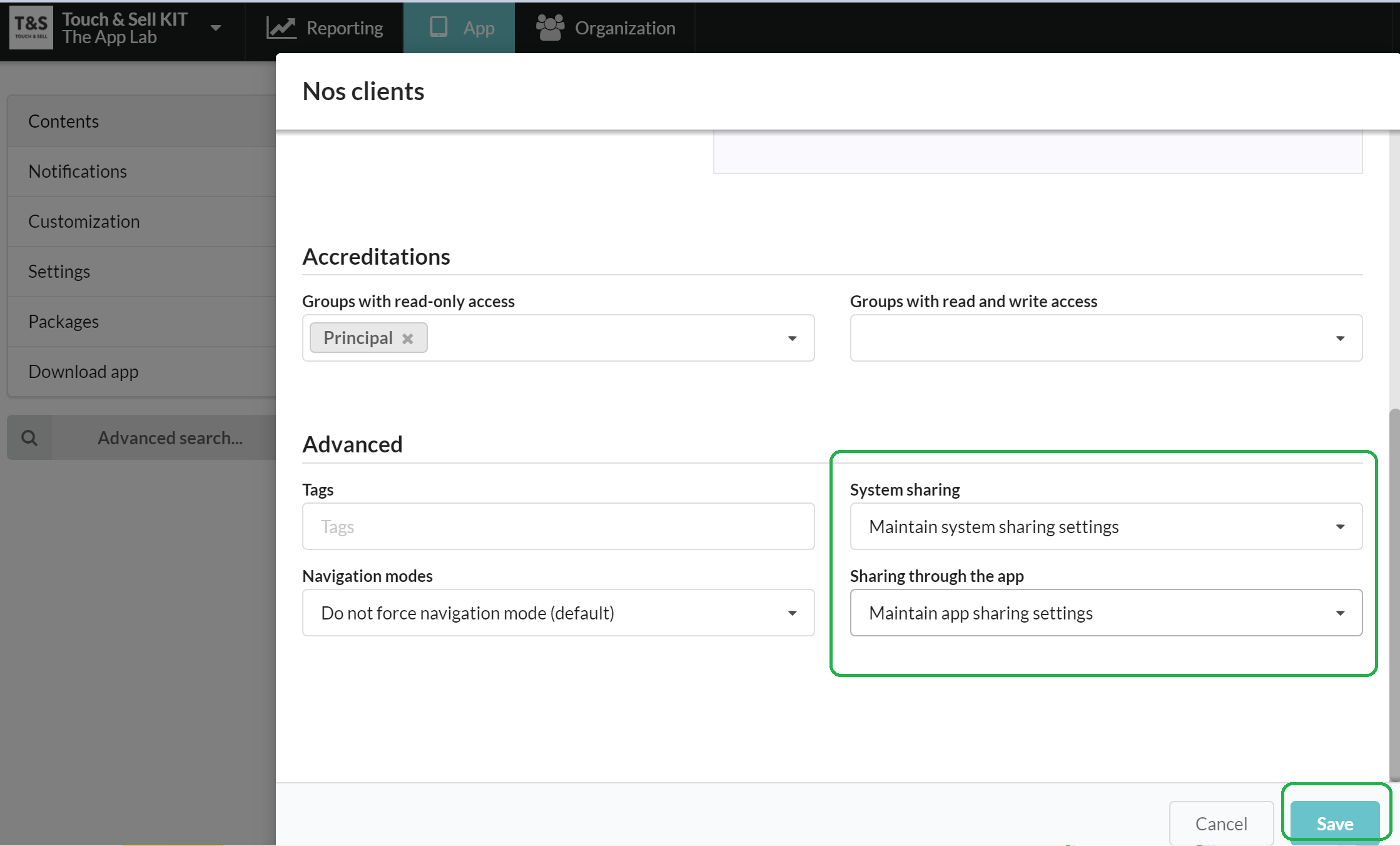
Go to Studio > App > Contents, click on the document of your choice to edit it.
You'll find 2 options to set up sharing authorizations:
- System sharing = E-mail sharing (to completely block any sharing outside of the application)
- Sharing through the App (to block the sending only via the app)
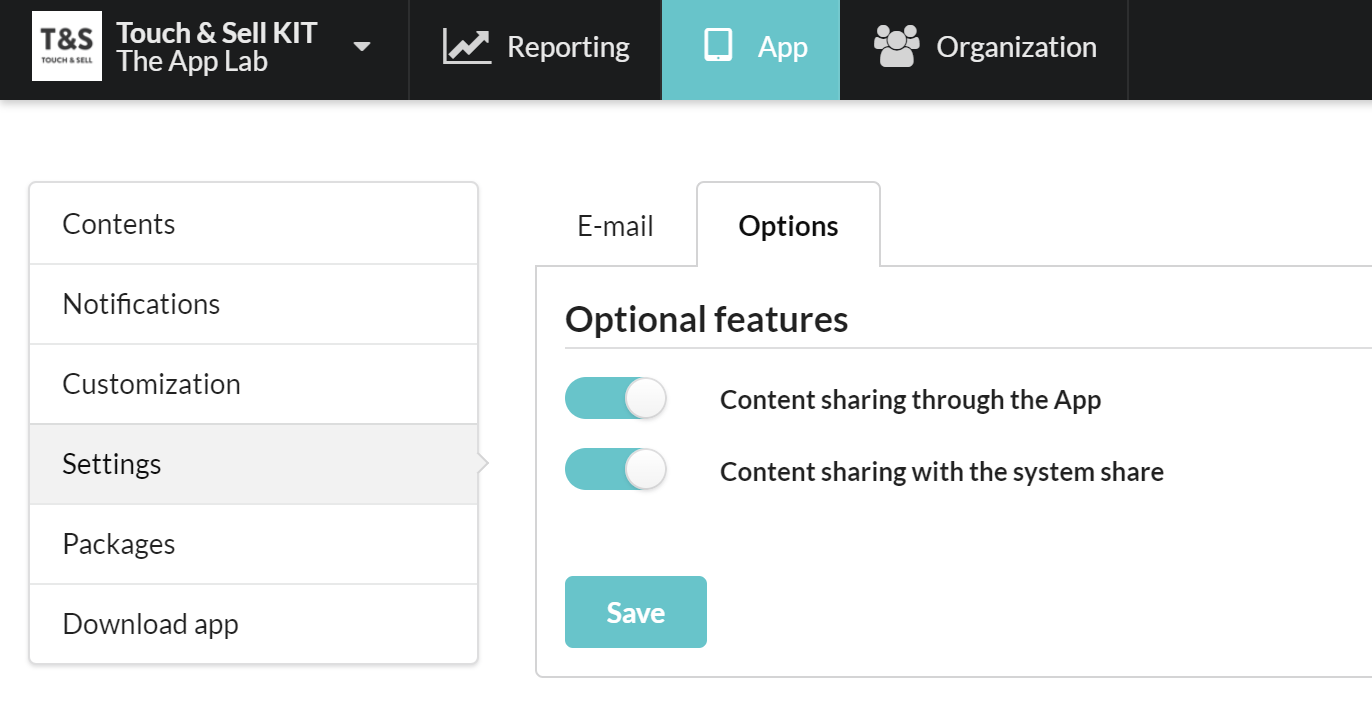
By default, we use the general setup that you can change from the Studio > App tab> Settings> Options :
Commentaires
0 commentaire
Vous devez vous connecter pour laisser un commentaire.