
Option 1 :
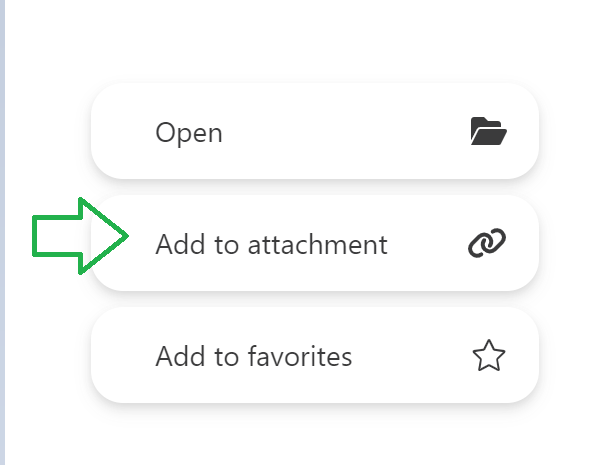
From your T&S Performance app, press and hold the document's thumbnail: a menu will appear with an option to add the document to attachment.
The modified PDFs will be sent in the version in which they are when the long press is made.
- Note that 3D objects, HTML and forms cannot be sent.
Option 2 :
Still from your T&S Performance app, open the Menu and go to the button "Send":

Click the "Add a content" button to be redirected to your document list: Search and select the documents you'd like to sent.
In the case of a modified PDF, it is the modified version that will be added to the document sharing.
Option 3 :
Still from your T&S Performance app, go to the "Meetings" section. You can add all documents in a specific presentation in one click.

If your prepared presentation contains a modified version of a PDF, it is the modified version that will be added to the document sharing.
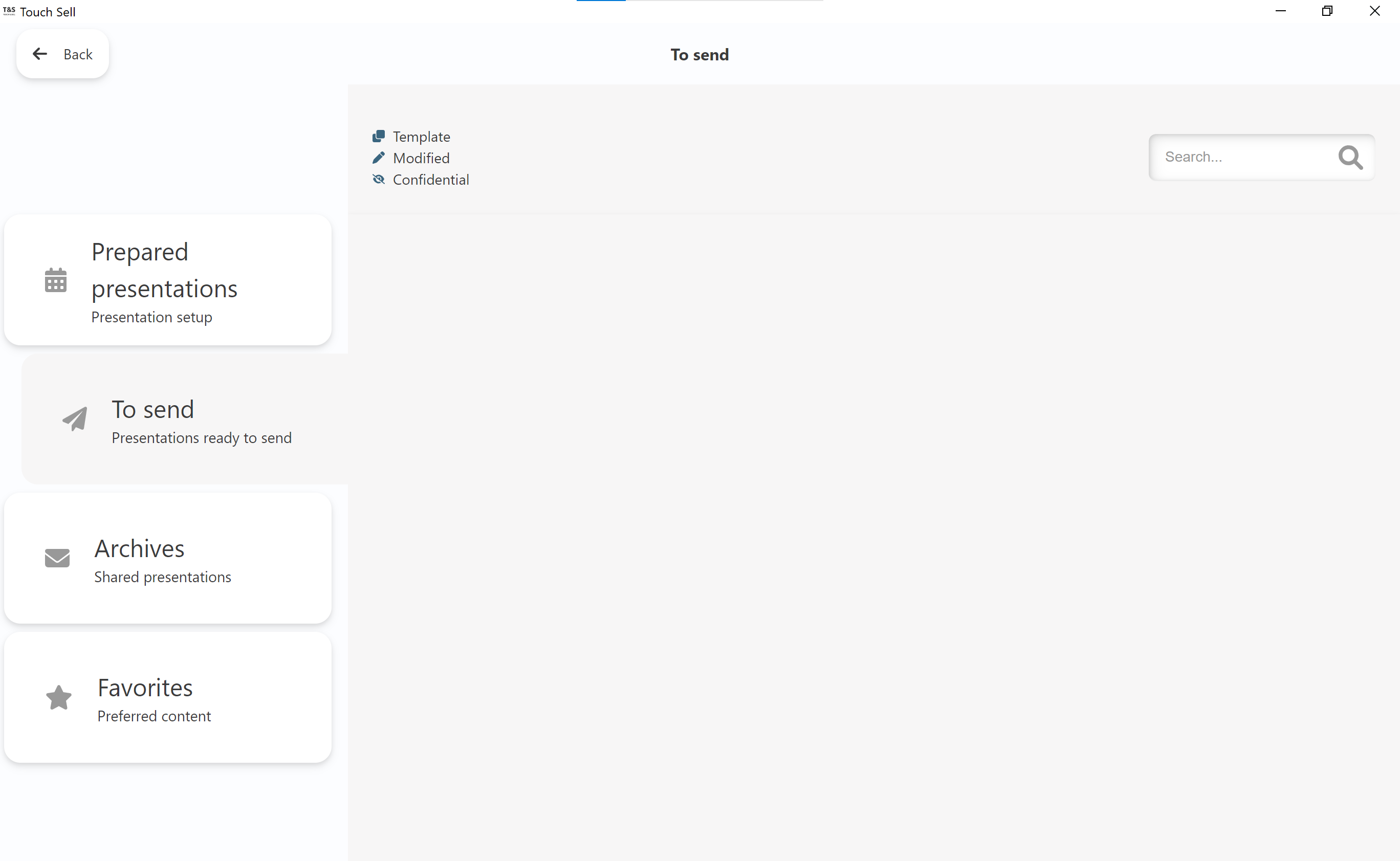
Once you've sent the document sharing, your customer will receive an email containing a link to access the meeting follow-up interface. Documents can be downloaded from this page.
Commentaires
0 commentaire
Vous devez vous connecter pour laisser un commentaire.