
From the Studio, go to the Organization tab > Users.
# Scenario 1 : Permanent removal
You can delete a user’s data access by deleting the user file. The data will be deleted from the device during the next synchronization attempt.

# Scenario 2 : Temporary removal
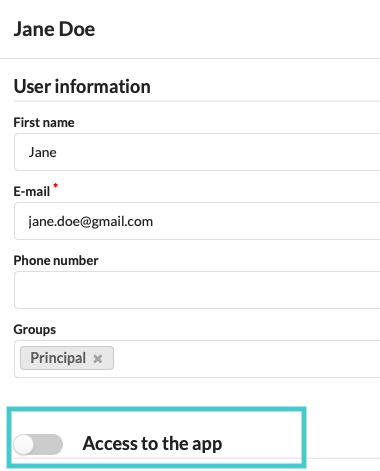
Select the user file and uncheck Access to the app. The data will be deleted on the device at the next synchronization attempt. To restore application access, activate Access to the app.
Commentaires
0 commentaire
Vous devez vous connecter pour laisser un commentaire.