
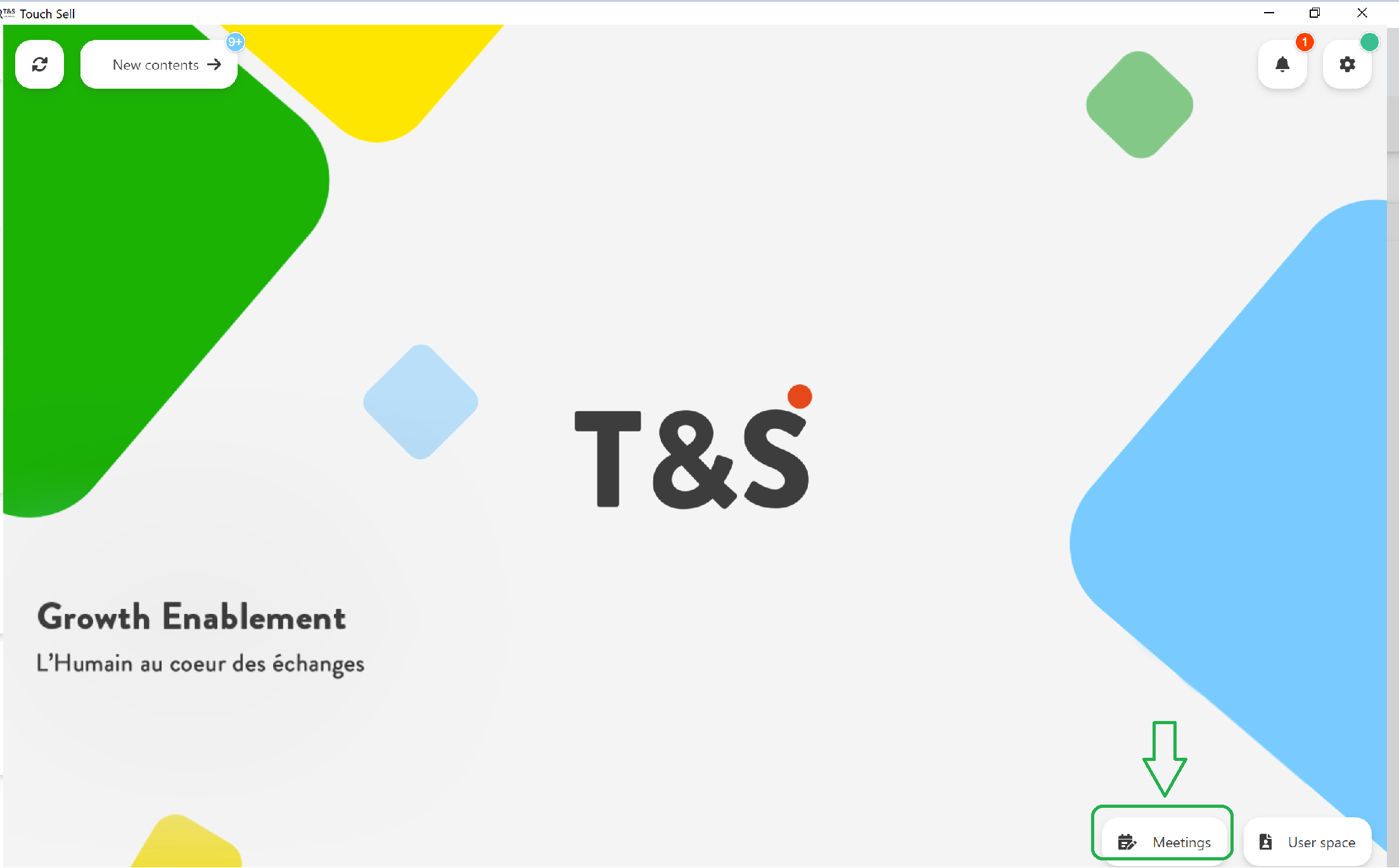
In the home page of your App, go to the Meetings :
In the column of the Prepared presentations, select the presentation, it will be displayed.
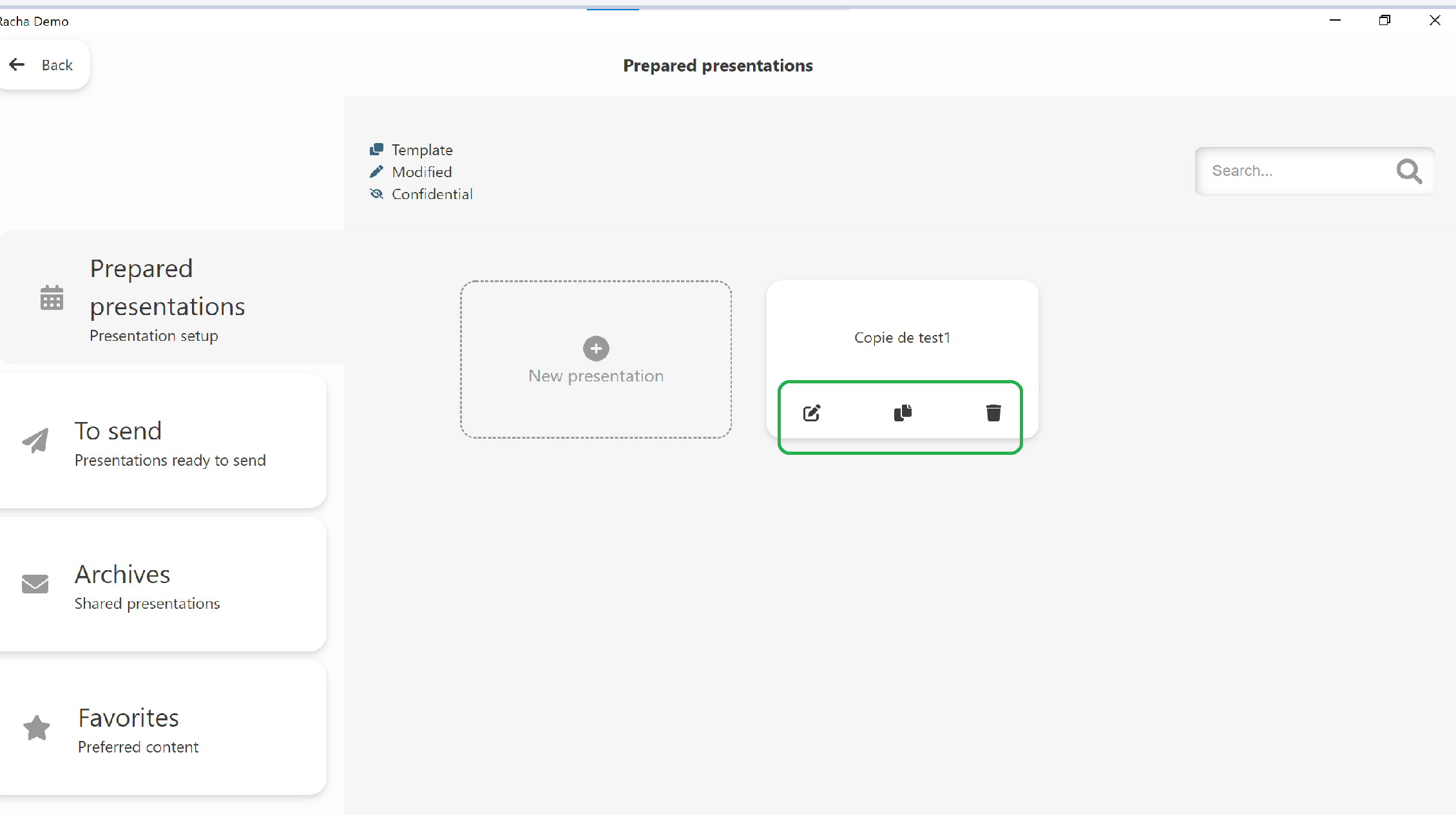
On the upper side of the screen, you will fin 3 icons :
- a pin to manage contents on this presentation
- the copy symbol to duplicate the presentation
- the junk symbol to delete the presentation
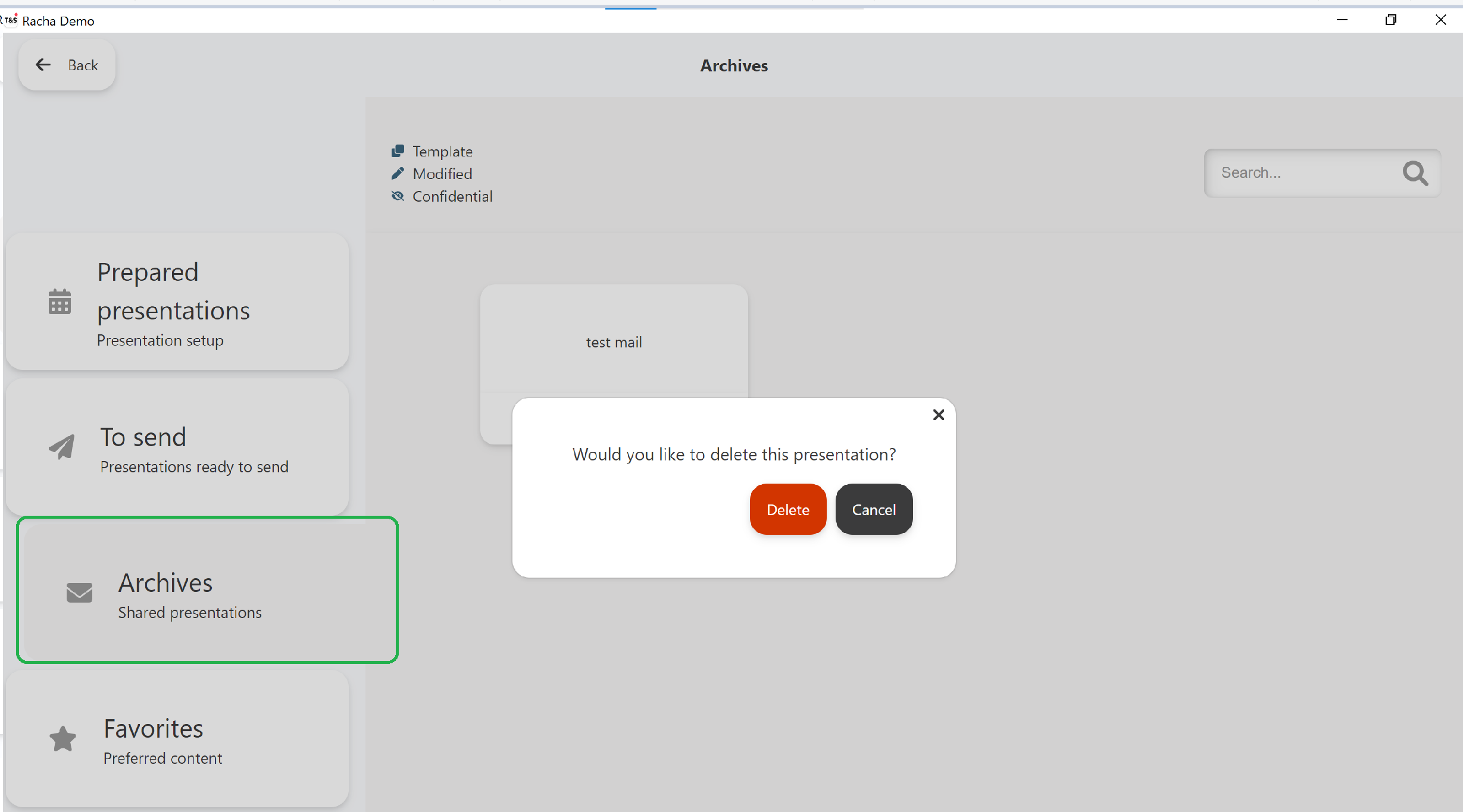
The sent documents sharing stay in the history of the app in Menu > Meetings > Archives, until the user deletes them:
Commentaires
0 commentaire
Vous devez vous connecter pour laisser un commentaire.