
We allow you to create an interactive and fully customized app by using HTML backgrounds.
To add an HTML background, go to your Studio > App > Content and add the new file in the folder you want to customize.
(Note that the background added to a folder will apply to all its sub-folders)
Rename the file just by copying ''.background' and save the changes.
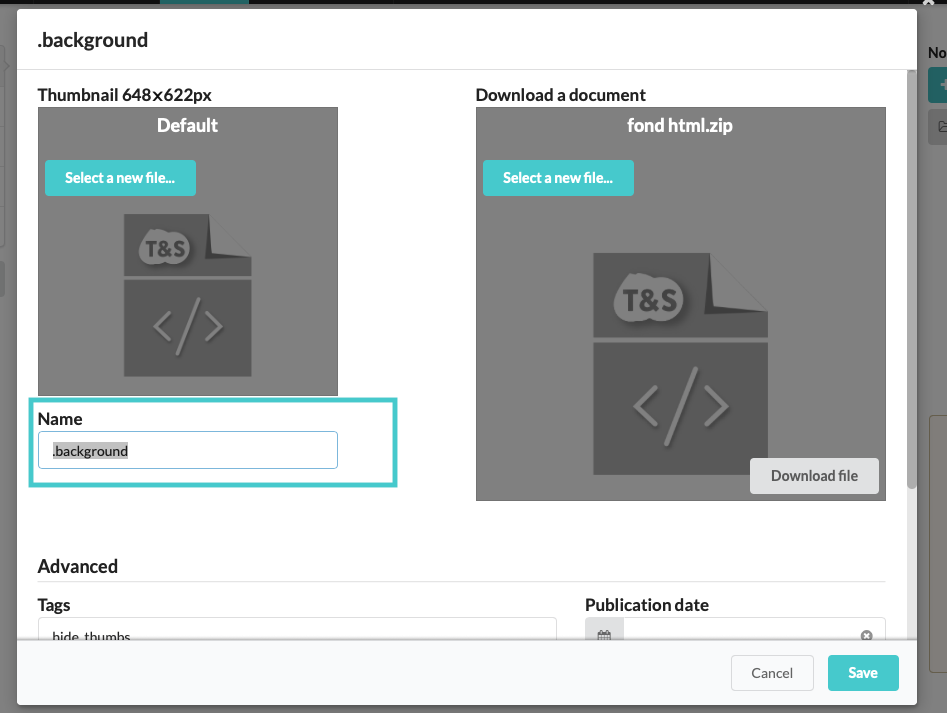
Tip: To make the thumbnails disappear from that folder, and only keep your HTML background, simply add the tag 'hide_thumbs' in the editing window.
Commentaires
0 commentaire
Vous devez vous connecter pour laisser un commentaire.