
In addition to the standard Coverflow navigation, it is possible for users to switch to another navigation mode, using the bottom-right button in the Presentation screen. The chosen navigation mode is remembered for every folder separately.
Grid mode
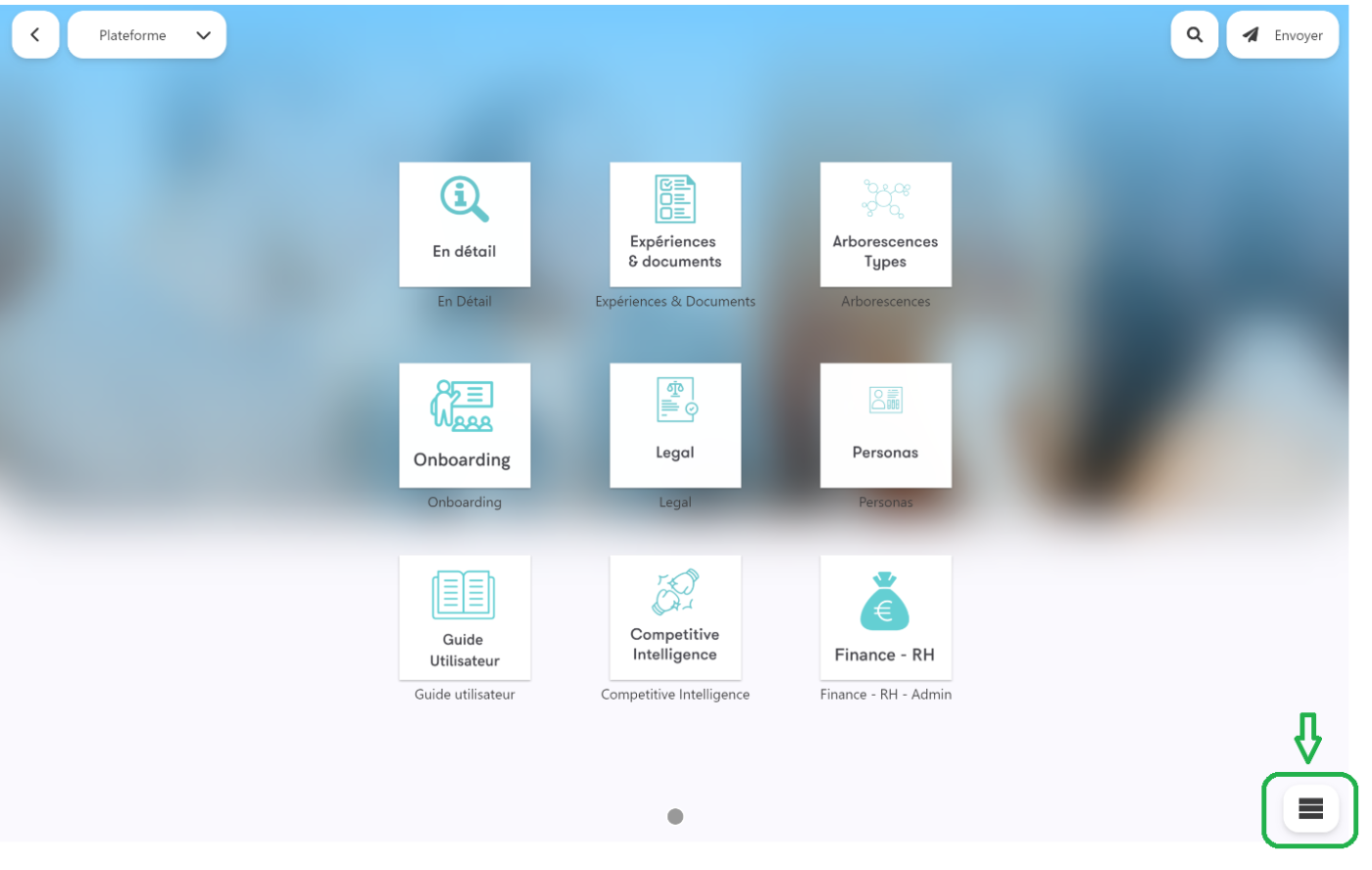
These juxtaposed tiles call to interactivity. This kind of display highlights your thumbnails and hides the background. Give free rein to your imagination!
List mode
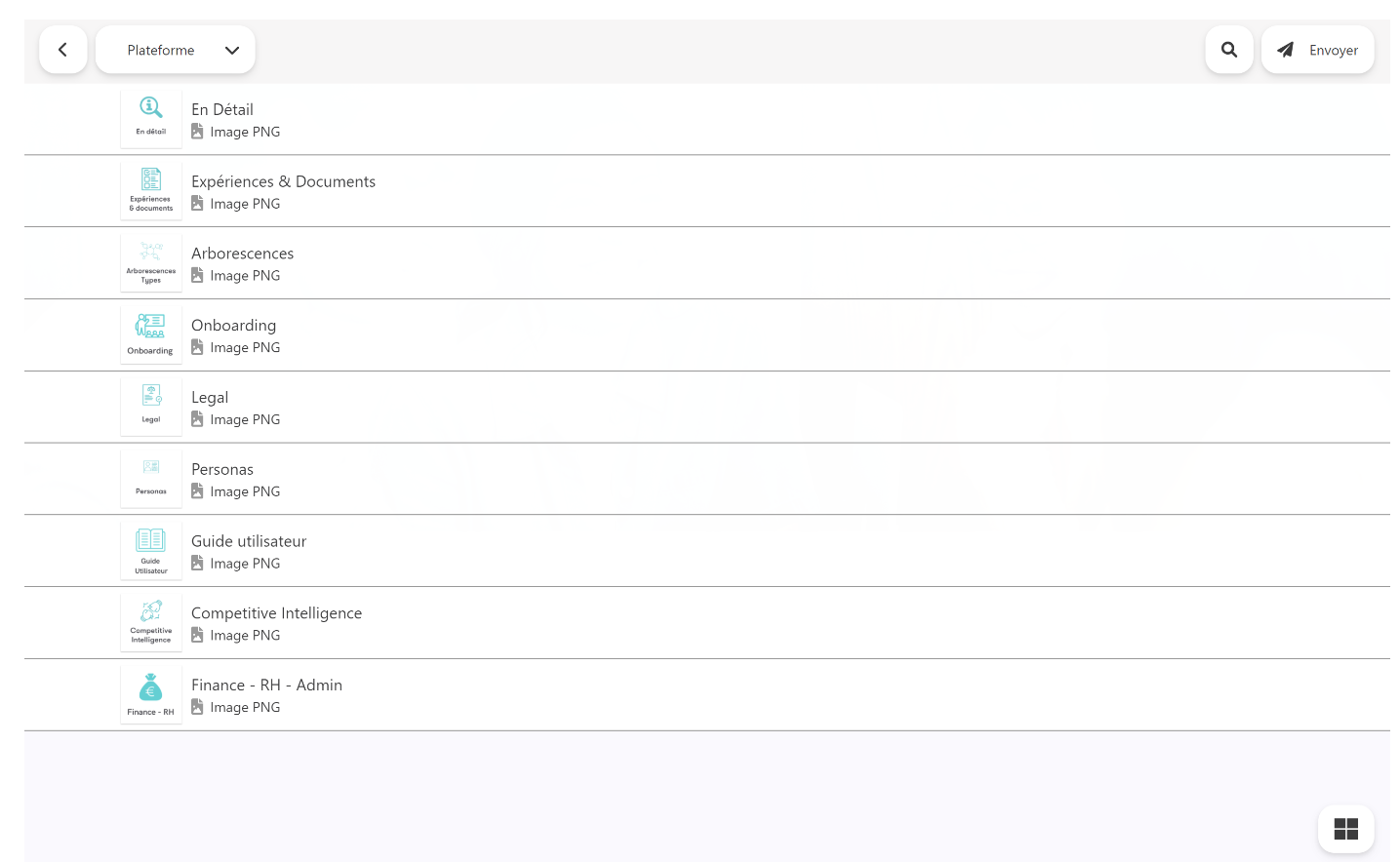
Show most of the thumbnails, this mode is perfect to get a glimpse of all your products or services at once.
Coverflow mode (default)

With this mode you already know, show your thumbnails horizontally and keeps your interlocutor's attention. This is perfect for storytelling.
Tip: You can force the navigation mode for a specific folder in your app by setting the following tags on a folder from the administration interface: nav_mode:coverflow, nav_mode:grid, nav_mode:list
Commentaires
0 commentaire
Vous devez vous connecter pour laisser un commentaire.