
With Touch & Sell, you can add different types of content to your app.
Pop-up messages are one of them:
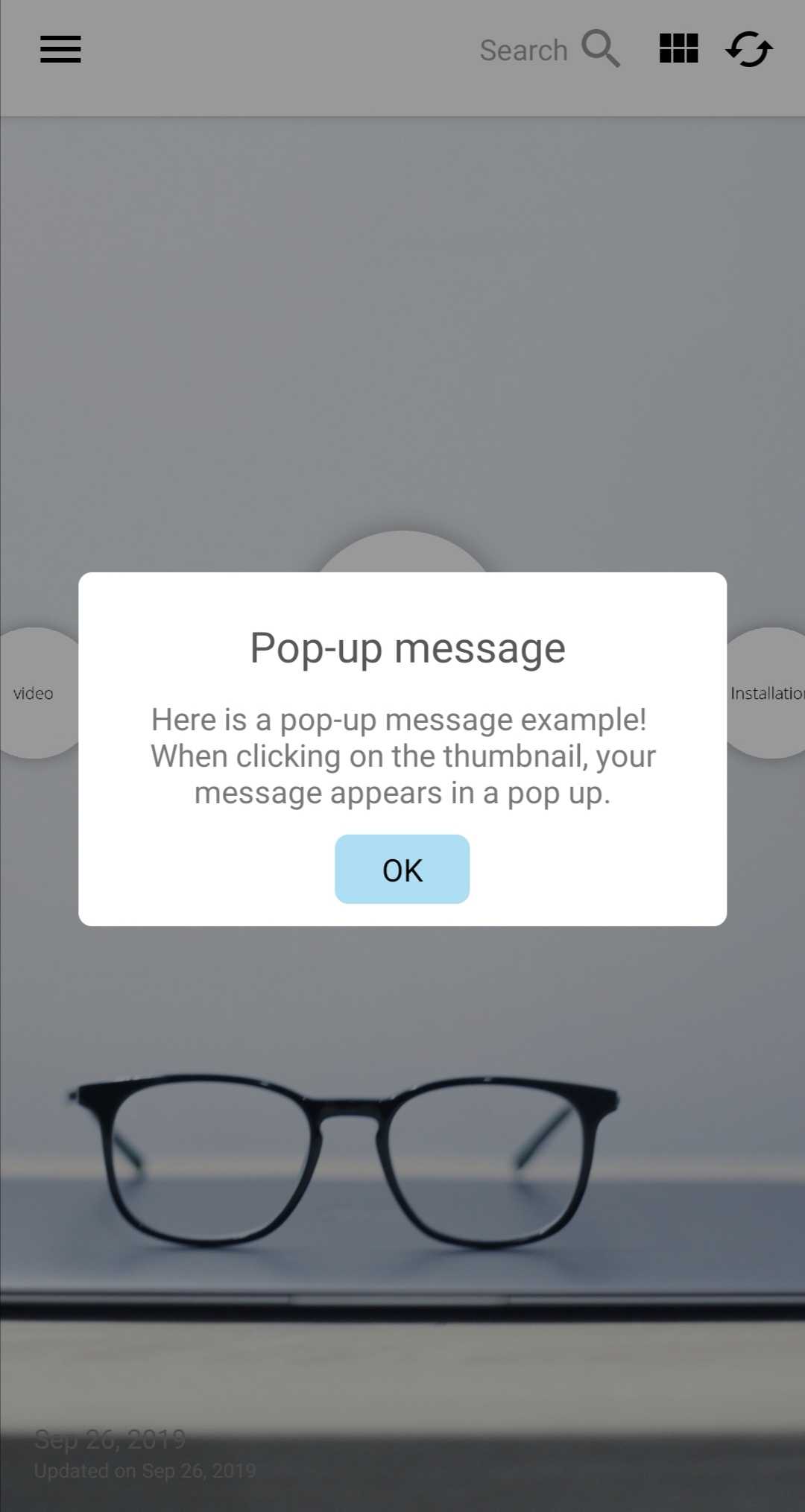
Creating a pop up message is quick and simple:
From your Studio > App > Contents > click "Add content..." and choose "New pop-up message".
In the editor, set up a thumbnail and the message that you'd like to display in the pop-up (up to 2000 characters). Click "Save" and you're done!
Commentaires
0 commentaire
Vous devez vous connecter pour laisser un commentaire.