
We offer several options to let your users connecting to the app Touch & Sell Performance.
Connection using email
This is the default mode.
Users must be registered in the Studio beforehand. Then, when connecting to the app, they are invited to connect with their email address. An email will be sent so they can confirm their identity before going back to the app and starting to sync the content.
Connection using SSO
This option has to be set up by the administrator first. You will find all the explanations in the related article, Manage your users with SSO (Single sign-on)
For your users, this method prevents them from having one more login/password to use and remember. When clicking on the button to connect via SSO, they will be redirected to the SSO interface used by your company. They simply need to enter the usual login/password to connect the Touch & Sell application.
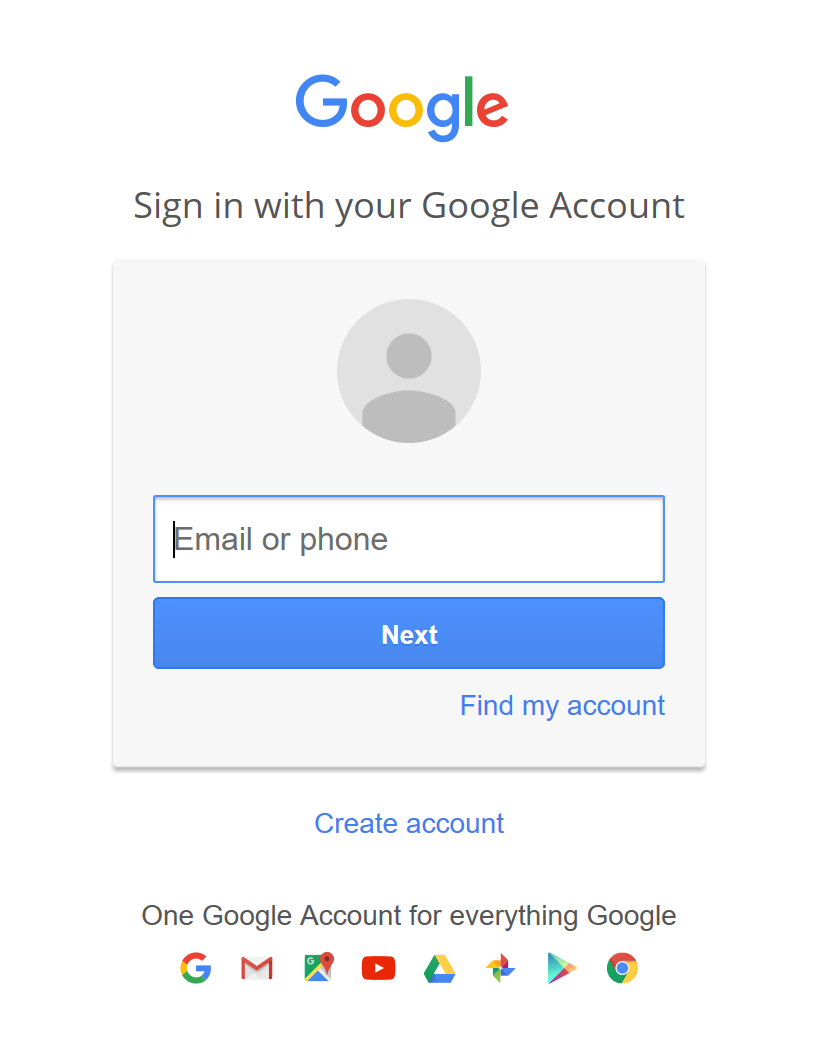
If you're not sure to understand what a SSO interface is, here is one of the most famous example: Google
Double choice: SSO or Email
When setting up your SSO, you can choose to let your users decide between connecting via SSO or via Email. Just remember that if you allow them to connect via email, you will have to create their profile in the T&S Studio first.
Commentaires
0 commentaire
Vous devez vous connecter pour laisser un commentaire.