
To remove or replace a device, simply go to the Studio > Organization > Users (at the top of the side menu)>
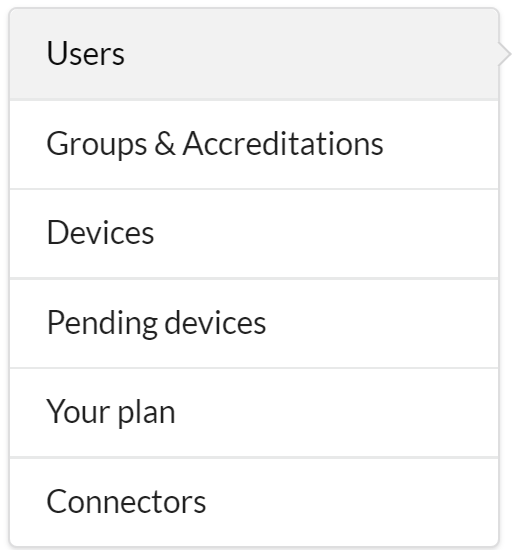
Then click on the name of the user whose device you want to remove/replace in order to open their user card.
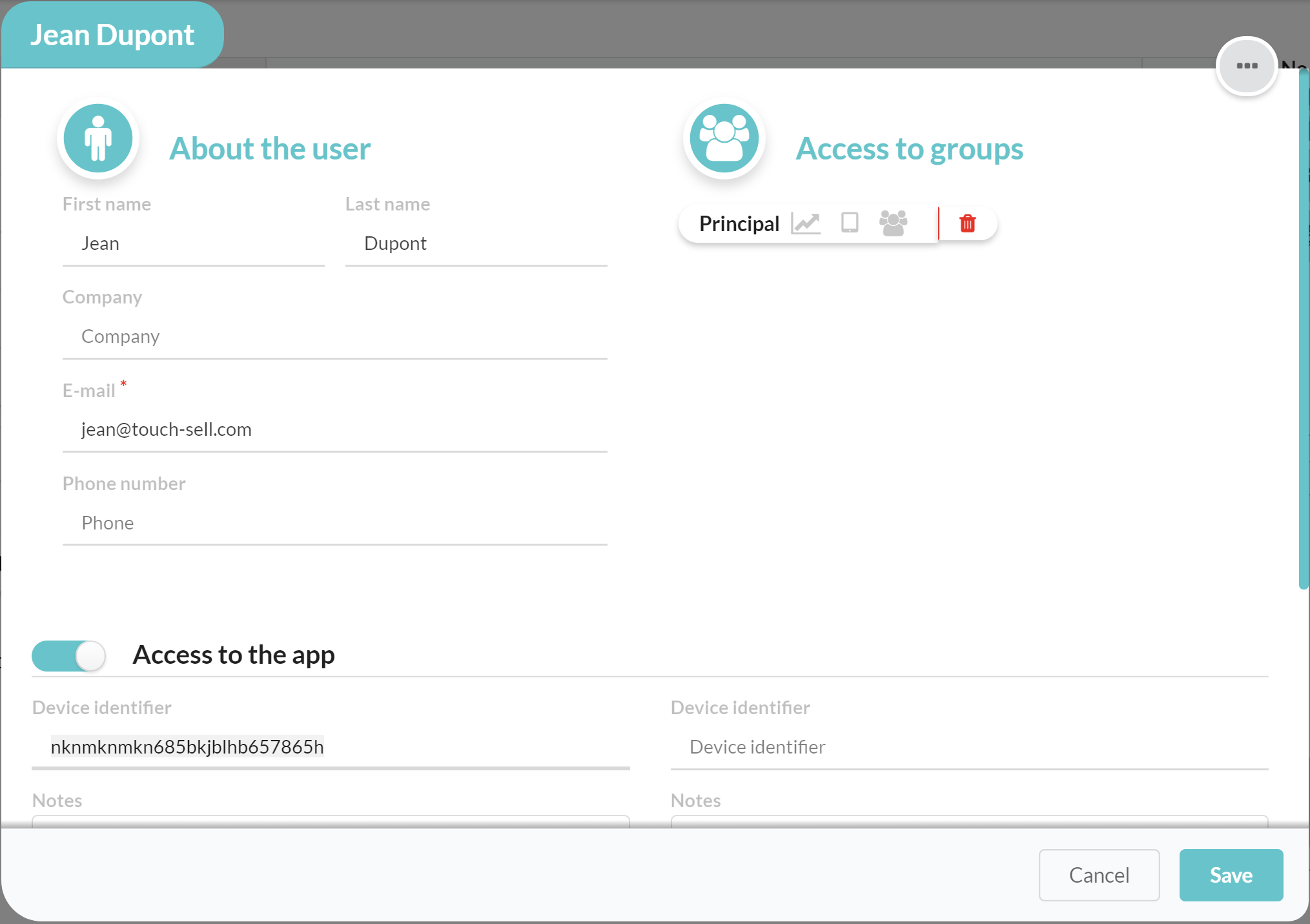
Once the user card is displayed, you can remove the ID of the device that you no longer want to use - you can use the dates of last syncs to differentiate devices .
To do this, simply remove the text from the "Device Identifier" field, as shown at the bottom left of the image below. Then save.
Note:
The ID does not automatically remove itself from the profile when the app is uninstalled from a device.
It may happen, when reinstalling the application, that users are confronted with the message: "All the devices associated with your account are currently connected. You cannot connect a new one. Contact your administrator to release devices to your user account."
Commentaires
0 commentaire
Vous devez vous connecter pour laisser un commentaire.