
You can customize the "Start presentation" button on your homepage according to your wishes.
For example:
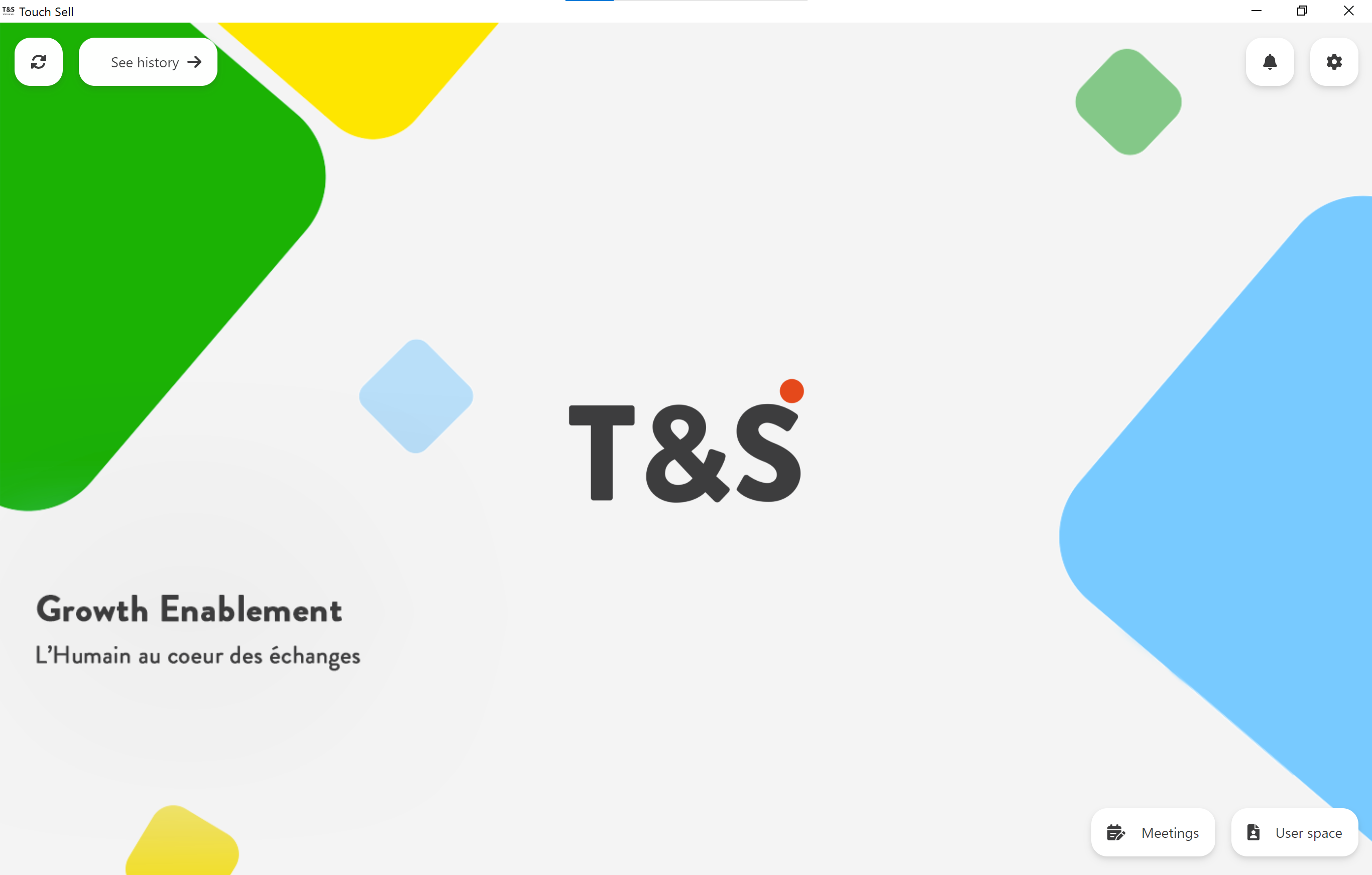
To do this, post a GIF file or an image in PNG format in your Studio. Name the document ".startButton", then add it :
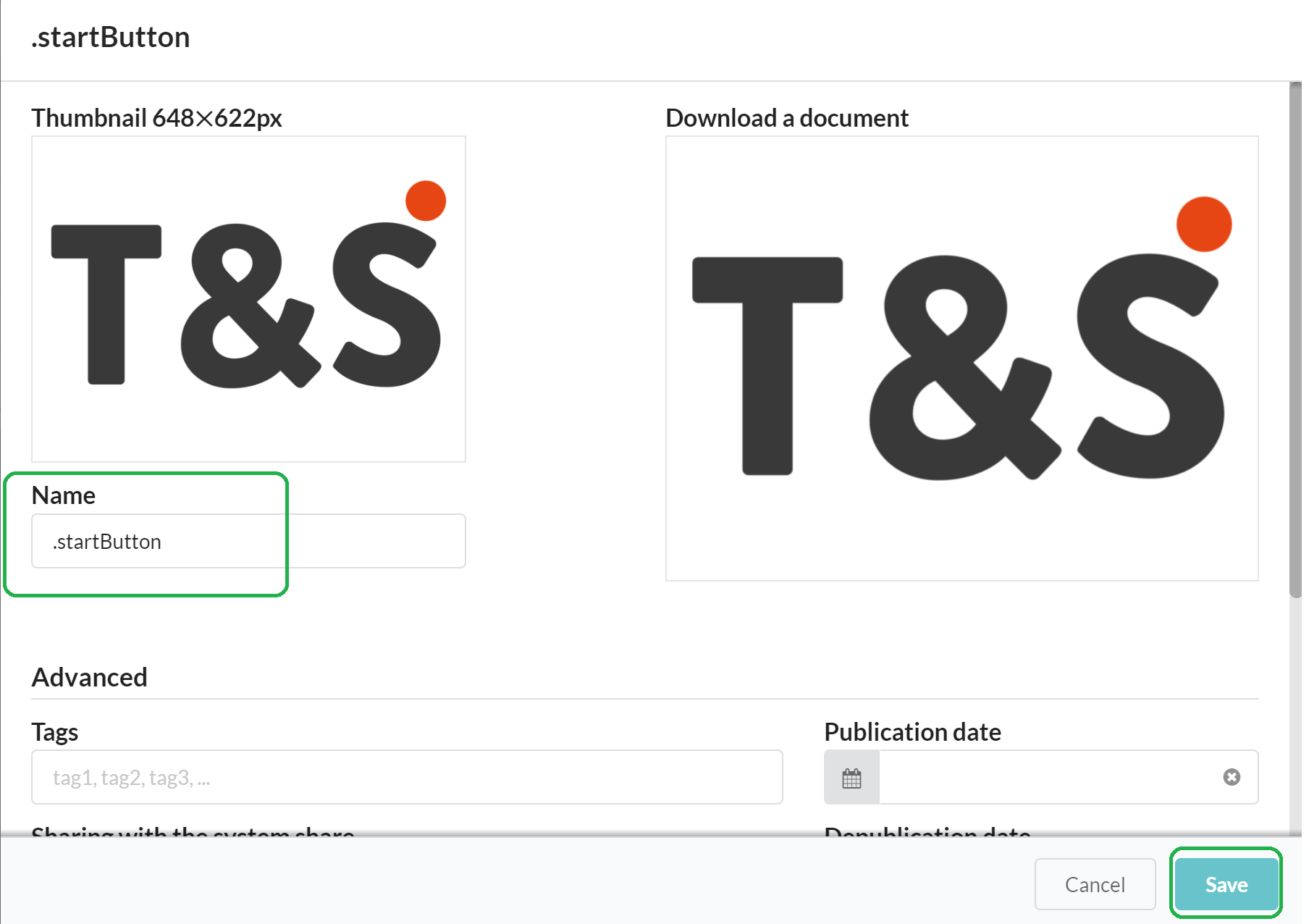
⚠ Publish the document and synchronize, so that it is visible in the application.
Graphic recommendations:
- The button is limited in height to approximately 200px. This is a responsive size depending on the font size.
- For a Retina screen, we will use 2 or 3 times this size, so 400px or 600px for the densest screens, but 400px will give a very good rendering.
- In width, it is limited to 90% of the width of the screen, that is to say almost all if the button is wide enough.
To illustrate, here is the area in which the image can extend:
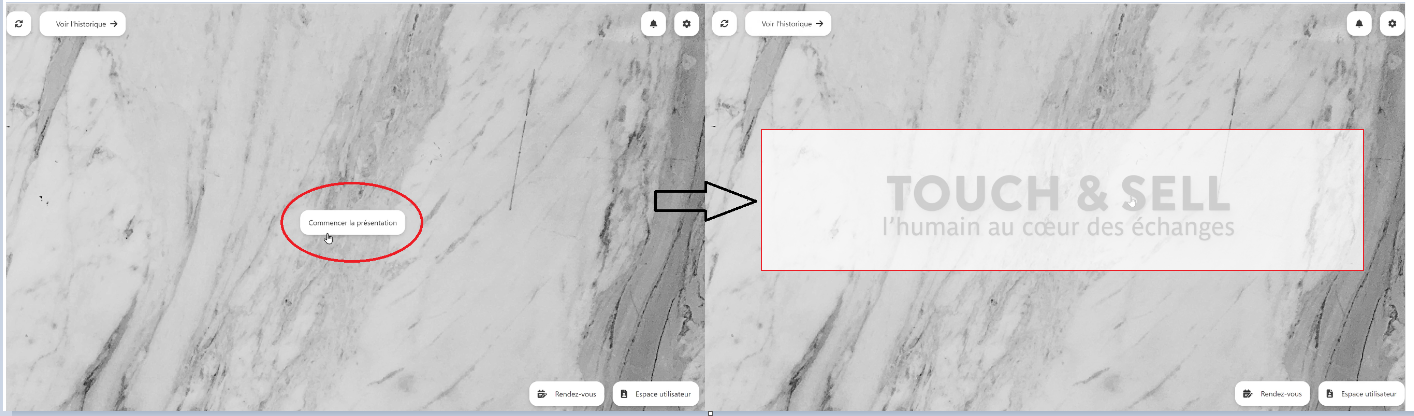
The above limits correspond to the limits that the image of the button cannot exceed, but these limits never distort the image which always retains its ratio.
Commentaires
0 commentaire
Vous devez vous connecter pour laisser un commentaire.