
App logo
From the Studio ("App" tab > Settings) customize your app logo, with a PNG file (1024 x 1024 px).
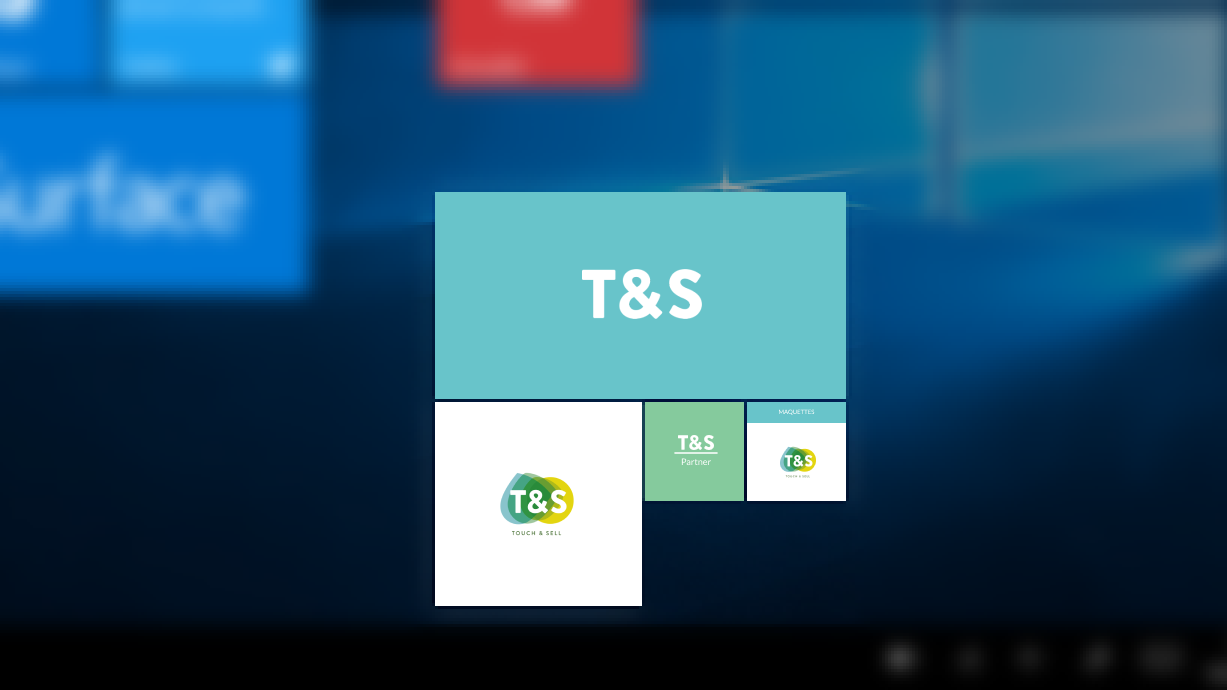
On Windows, you'll also need to add other files:
- Square tile 1024 X 1024
- Wide tile 558 X 270
- Splash screen 1 116 X 540
- You'll be asked to set up a main color as well, for logo border and splash screen background.
App theme:
You can create a theme for your app from the Studio ("App" tab > Theme). It contains backgrounds and navigation bar color.
There are 2 ways to create a theme with Touch & Sell:
- You can go for a Simple theme, common to all OS
- Or you can choose the "Expert" theme, that you'll adapt for each OS.
With the simple theme, we'll guide you during the entire set up process:
Choose a background and thumbnails from a graphic library, add a customized logo and set up your coverflow height. In just a few steps and with no technical skills, build an app that fits your brand!
By chosing the Expert theme, you'll have to customize the app (backgrounds, coverflow height) and create your own thumbnails. This article will help you with this.
⚠️ Be sure to add a custom background and customized colors for each OS.
Background
When setting up a background, you have to take into consideration the navigation bar displayed at the top.
Here are our tips to upload a background that will fit your app.
Coverflow
It allows you to smoothly navigate through your application. It has a 622px size, just like your thumbnails. From the expert theme, you can choose the height at which it is placed, for each OS.
With the simple theme, your thumbnails can be set up on their own and displayed at the chosen height.
With the expert theme, it is up to you to create your thumbnails. These thumbnails must appear in a transparent layer, 648px x 622px. For an optimal display, we recommend that you create elements not exceeding 350px in the layer.
Commentaires
0 commentaire
Vous devez vous connecter pour laisser un commentaire.